


Verified review
Common Ninja has amazing no-code widgets that would beautify a website built on any builder. It is very easy to use and customise. It has as many widgets for almost everyone willing to make their website impressive.
Try the editor, no signup
Pick a template, customize it, and watch it update live, no signup.
No credit card · Free forever plan
No credit card · Free forever plan
The Common Ninja Weather widget is a free, no-code forecast widget that shows current conditions, hourly updates, and multi-day predictions for any location on your website.
Set one city or rotate multiple locations, pick a layout (current-only, daily, hourly), switch between Fahrenheit and Celsius, customize icons and colors, then paste one line of embed code on 200+ platforms including Notion, Canva, Square, WordPress, and Genially.
A current-conditions strip on a travel site, ski resort page, or outdoor-event listing turns abstract dates into actual planning information. Visitors see whether it is 72 and sunny or 38 and raining before they decide, and they convert more confidently because they have the answer in front of them.
Notion pages are flat by default. Embed a Weather widget at the top of a personal dashboard, a team workspace, or a public Notion site and the page suddenly reads as a live dashboard instead of a static document. The auto-refreshing forecast is one of the most-searched Notion widgets for a reason.
Outdoor venues, wedding planners, tour operators, and seasonal businesses lose bookings when visitors cannot picture the day. Showing the forecast for the event date or the next 5 days closes that gap, and the widget can pull the exact city your booking page targets without any code.
Local-service sites (real estate, contractors, dental offices, restaurants) benefit from showing the actual weather in the city they serve. It signals the site is current and locally relevant, which both visitors and search engines pick up on.
Type a city, pick from the search dropdown, and the widget pulls the forecast for that location automatically. Add multiple cities to rotate through them, or enable visitor geolocation so the widget shows local weather to each visitor on the page.
Choose between current-only, daily forecast, hourly forecast, or a combined layout. Switch units between Fahrenheit and Celsius, pick metric or imperial for wind speed, customize colors and fonts, and select from prebuilt skins or build your own.
Copy the embed snippet and drop it into your site. The widget refreshes its forecast automatically as conditions change, and edits to layout, location, or units push live without touching code again.
Add a list of cities and the widget rotates through them, or show all locations side-by-side on the same strip. Useful for multi-office businesses, travel sites covering several destinations, or sports league pages that need home-and-away forecasts.
Switch between current-only, daily forecast, hourly forecast, and combined layouts in one dropdown. Pick from prebuilt skins (Light, Dark, Minimal, Gradient) or customize colors, fonts, icon style, and background so the widget reads as your brand.
Toggle temperature between Fahrenheit and Celsius, wind between mph and km/h, and visibility between miles and kilometers. Set defaults per locale or let visitors switch units themselves with a one-click toggle inside the widget.
Forecasts pull from a live weather API and refresh automatically as conditions change, so visitors landing in the afternoon see afternoon data without you touching the dashboard. No manual updates, no stale temperatures, no broken integrations to maintain.
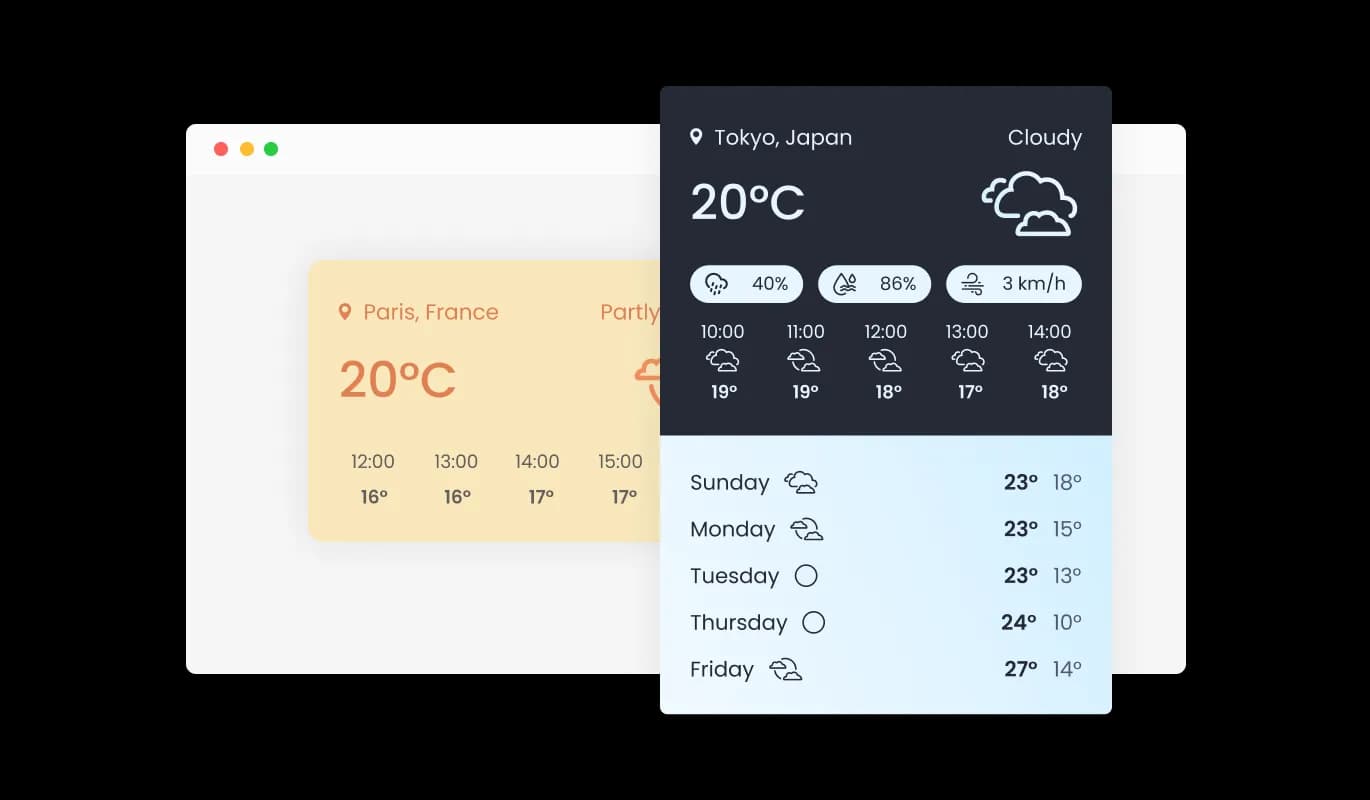
The widget provides both short-term and long-term weather forecasts, offering users a comprehensive view of upcoming weather conditions. This feature allows users to plan accordingly for daily activities, travel, and events based on the forecasted weather.
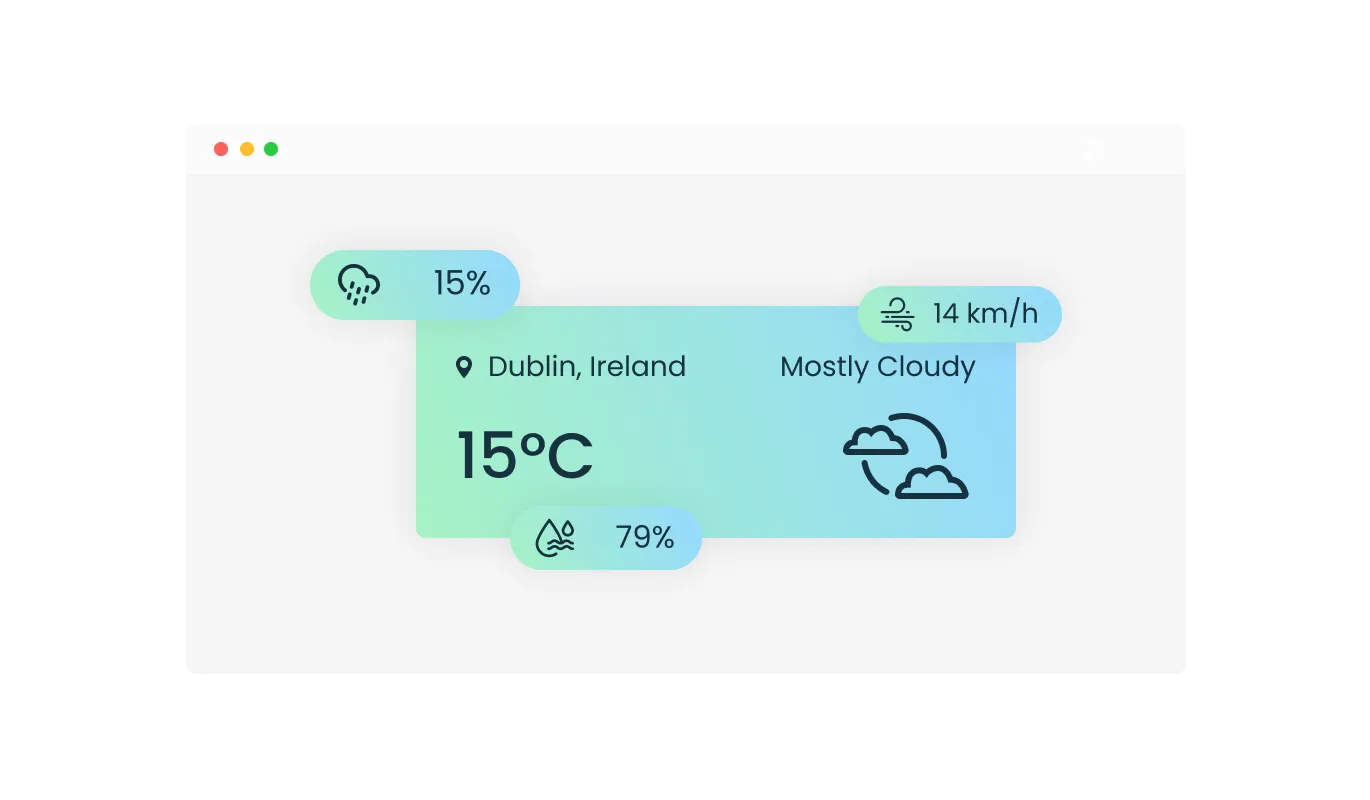
The weather widget displays a variety of weather metrics, such as temperature, humidity, wind speed, and precipitation. This feature provides users with a more detailed understanding of the current and forecasted conditions, allowing for more informed decision-making.
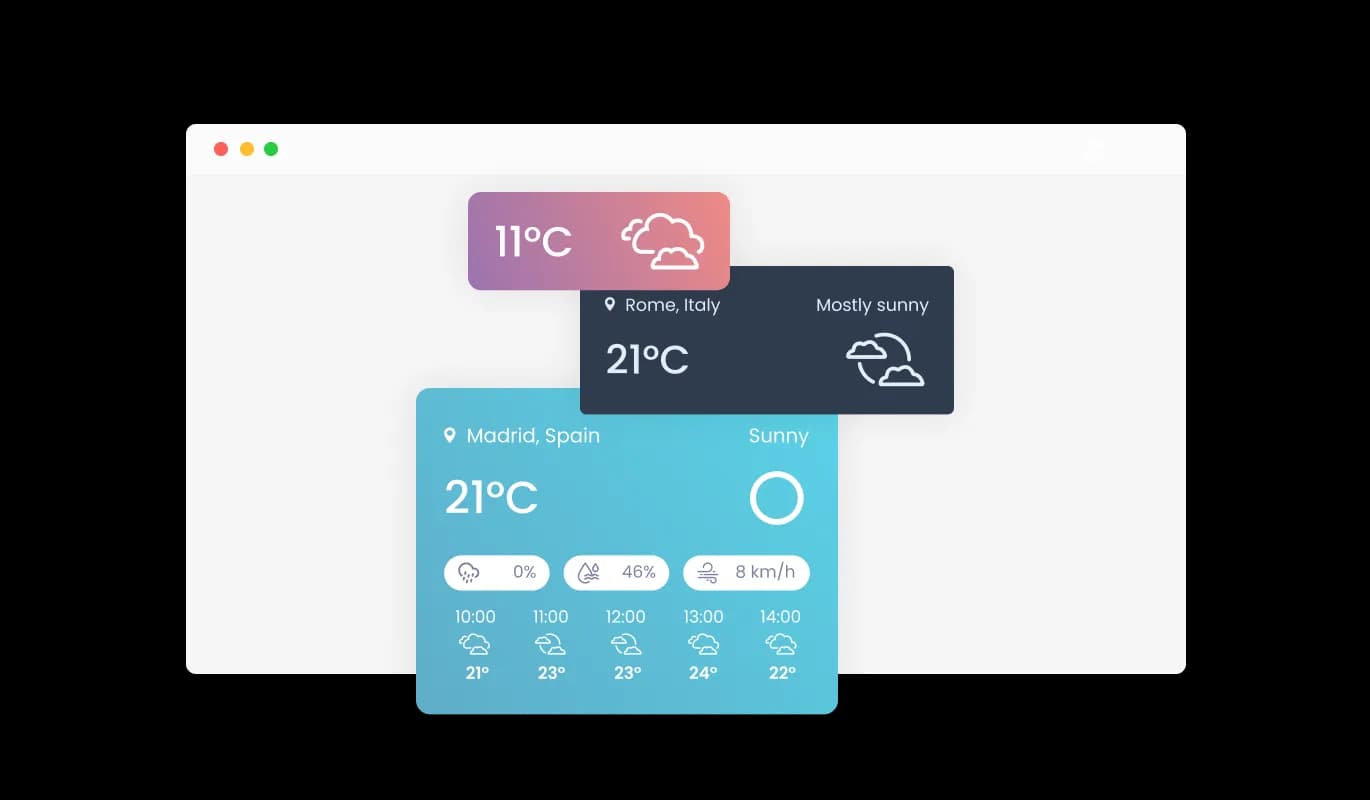
The weather widget offers a variety of layout options, enabling website owners to choose the best format to suit their specific needs and preferences. This flexibility ensures that the widget can be easily adapted to different website designs and structures, enhancing the overall user experience and integration.
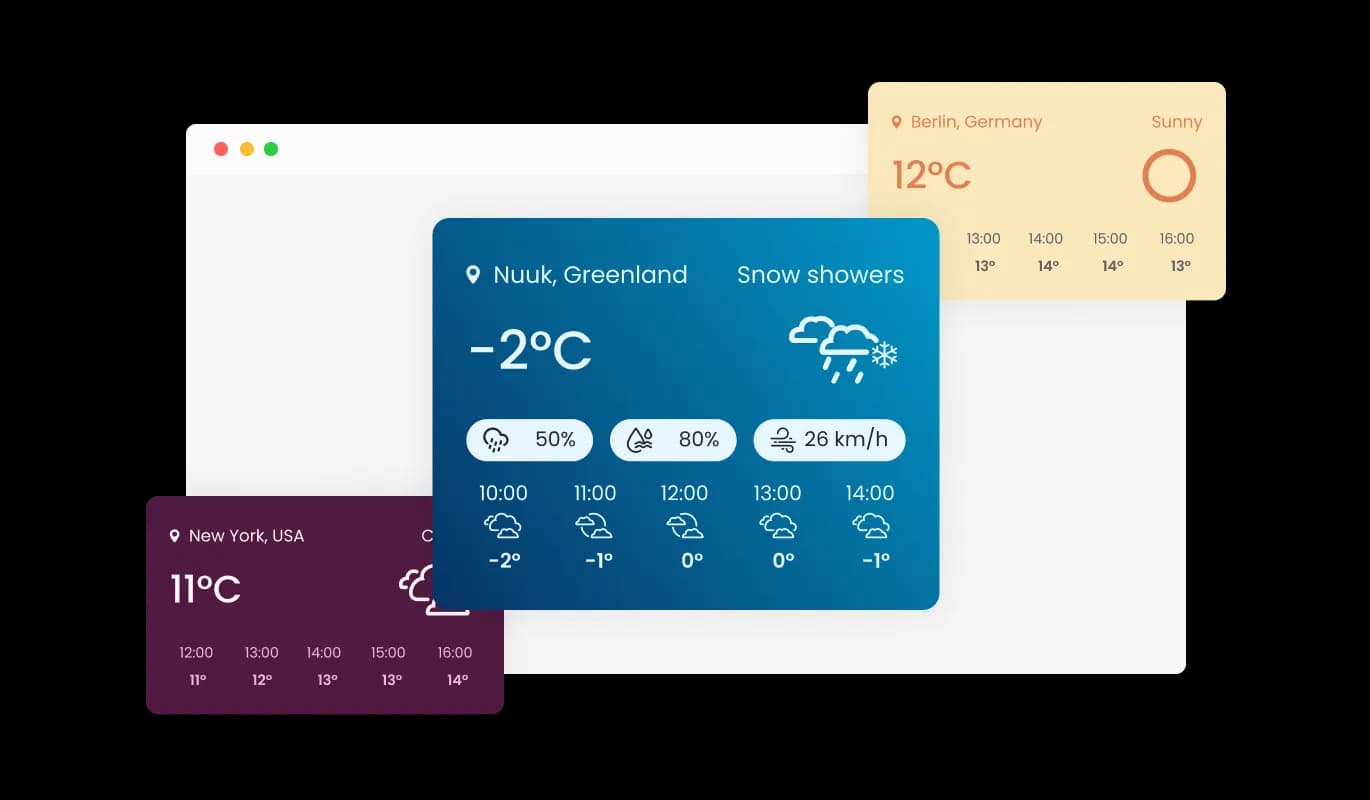
With multiple skins available, the weather widget can be easily customized to match the website's look and feel. This feature allows website owners to maintain consistent branding and aesthetics while offering users valuable weather information, creating a cohesive visual experience across the site.
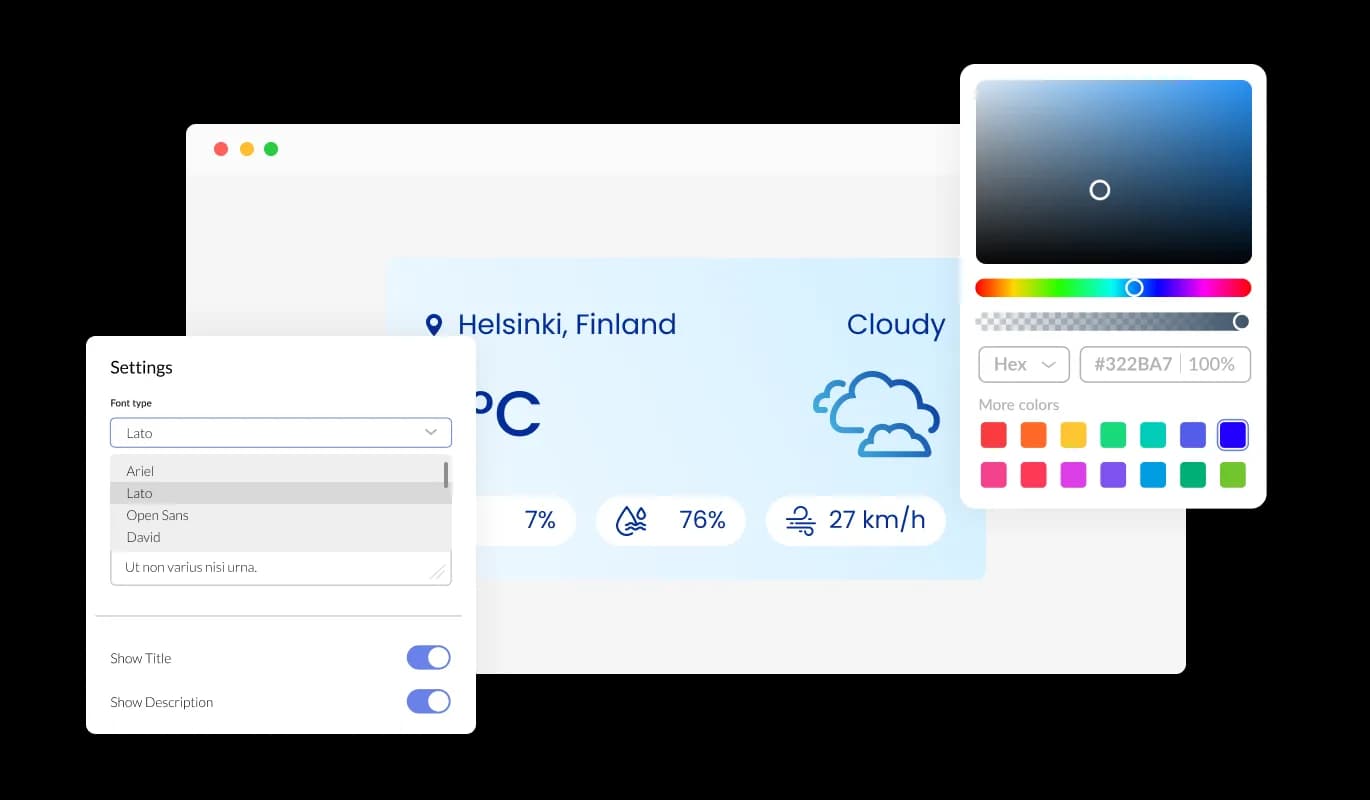
The Weather widget's design can be easily customized to match the website's branding and aesthetic. Website owners have control over the colors, fonts, and layout, ensuring that the widget seamlessly integrates with the existing design.
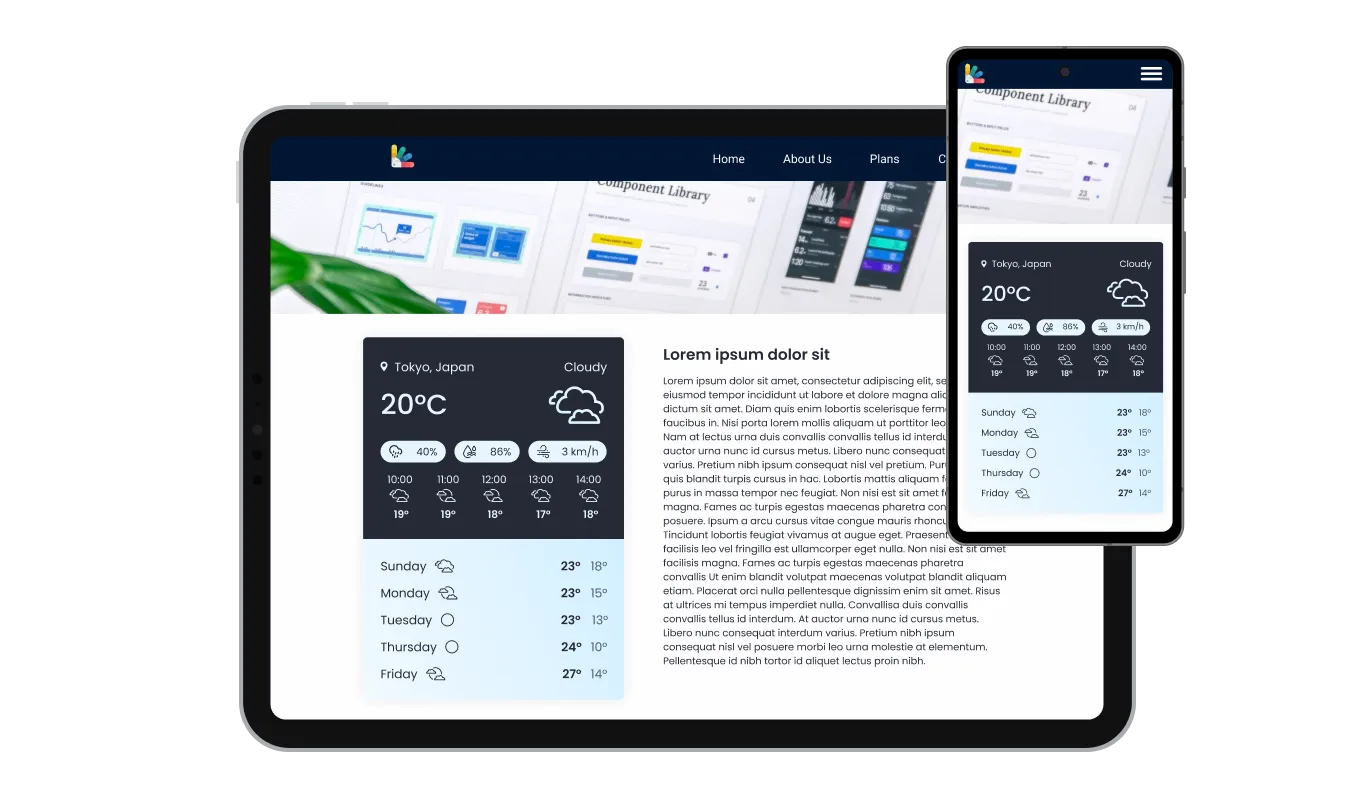
The weather widget is fully responsive, automatically adjusting to fit various screen sizes and devices. This feature guarantees that the widget will display correctly on desktops, tablets, and smartphones, ensuring a consistent user experience across all platforms.

Like all our widgets, the weather widget allows you to incorporate custom CSS for a truly personalized touch. Users with coding expertise can elevate the widget's appearance, achieving the ideal design by adding their own custom CSS.

The weather widget is designed for easy integration into a website's existing code, requiring minimal technical knowledge to implement. This feature allows website owners to quickly add the widget to their site without needing extensive development resources or expertise.
The weather widget provides real-time weather information for their specific area. Leveraging advanced geolocation technology, the weather widget tailors meteorological data to a precise location, ensuring the user receives the most accurate and up-to-date forecasts.
The weather widget allows users to view weather information for multiple locations simultaneously, making it an excellent tool for individuals who need to keep track of conditions in different places. This feature benefits businesses and users who have interests in multiple cities or regions, providing a convenient way to access essential weather data all in one place.
The weather widget provides a wide range of weather icons to choose from, allowing website owners to select the ones that best align with their site's design and branding. This feature ensures that the visual representation of weather conditions is consistent with the overall aesthetics of the website, creating a harmonious user experience.
The weather widget is designed with user-friendliness in mind, making it simple and straightforward for users to access and understand the provided weather information. This ease of use encourages user engagement and ensures that visitors can quickly obtain the data they need without any unnecessary complications, enhancing the overall experience on the website.
Common Ninja has amazing no-code widgets that would beautify a website built on any builder. It is very easy to use and customise. It has as many widgets for almost everyone willing to make their website impressive.
Outstanding service. I use their widgets to help me with my web design business and whenever I need help they are very quick to help.
Excellent company with excellent service!!! We used it to build a survey, it was very user friendly. The service was perfect. Amit helped us with every problem and question we had, thank you very much!!!
Common Ninja saved the day when building our website and the customer service Daniel, the co-founder and CEO, provided was amazing.
Yes. The free plan covers one Weather widget with no time limit, no credit card, and no trial countdown. Upgrade only when you need additional widgets, premium skins, or higher monthly view limits.
Both. Switch the layout between current-only, hourly forecast, daily forecast (up to 7 days), or a combined view that shows current conditions on top of a multi-day strip. Pick the layout that matches your page in one dropdown.
Paste the Common Ninja embed link into a Notion page and Notion auto-renders the widget inline. The forecast refreshes on each page load, so a Notion dashboard always shows current conditions for the city you set, with no manual sync needed.
Yes. Drop a Custom HTML block into the page or post (or paste the snippet into a sidebar widget area), and the forecast renders on the front end. No plugin install required, and the widget works across all WordPress themes.
Yes. Add multiple locations in the editor and the widget rotates through them, or displays them side by side on the same strip. Useful for multi-office businesses, travel sites, and league pages that need both home and away forecasts.
Yes. Set the default unit per locale (Fahrenheit for the US, Celsius for most of the rest of the world) or let visitors toggle the unit themselves with one click inside the widget. Wind speed (mph / kmh) and visibility units toggle alongside.
Yes. Forecasts pull from a live weather API and refresh automatically as conditions change. A visitor landing in the morning sees morning conditions, an afternoon visitor sees afternoon conditions, and you never have to touch the dashboard to keep it current.
200+ platforms including Notion, Canva, Square, WordPress, Genially, Wix, Squarespace, Webflow, Shopify, Google Sites, Blogger, Elementor, and any custom HTML page that accepts an embed snippet.
Pick your platform. Each takes under 4 minutes.
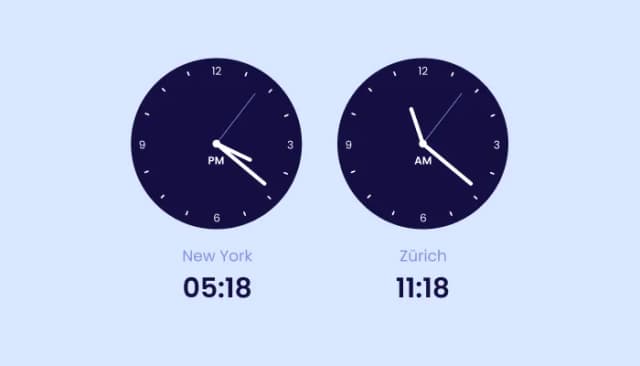
Displays multiple time zones; customizable, responsive design.

Displays a timer counting down to a specific date or event

A dynamic display that showcases brief news snippets or updates through continuous scrolling
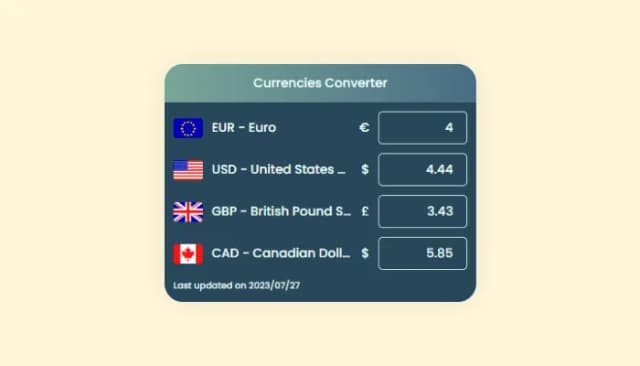
Enhance global shopping, display prices in multiple currencies
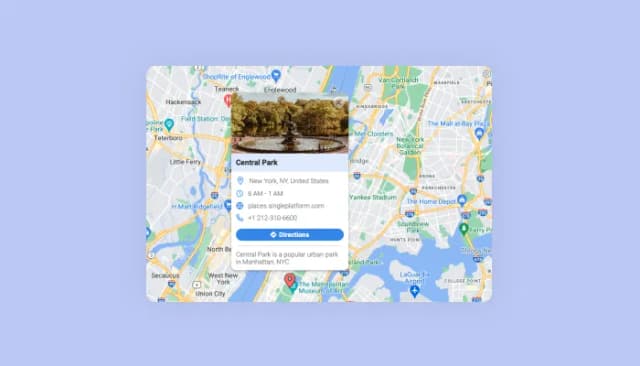
Display multiple locations with enriched details and customizable aesthetics.

Display important messages and notifications in a designed bar, at the top or bottom of the screen
Yes, the weather widget offers extensive customization options, including multiple layouts, skins, and icon sets. You can also adjust colors and fonts to match your website's branding and design.
The weather widget provides real-time weather data that is updated frequently throughout the day. This ensures that users have access to the most accurate and up-to-date weather information.
Yes, the weather widget allows you to show weather data for multiple locations simultaneously. This is particularly useful for users who need to monitor weather conditions in different cities or regions.
Adding the weather widget to your website is easy. Simply choose your preferred layout, design, and settings, then copy the generated code and paste it into your website's HTML source code where you want the widget to appear.
Yes, the weather widget is designed to work with all major website platforms and content management systems. It's also compatible with custom-coded websites, as long as you can insert the widget's HTML code into the source code.
The weather widget is designed to be lightweight and fast-loading, ensuring minimal impact on your website's performance. However, it's always a good idea to monitor your site's speed after adding any new elements to ensure optimal performance.
Yes, the weather widget is fully responsive and designed to display correctly on a variety of devices, including desktops, tablets, and smartphones. This ensures a consistent user experience across all platforms.
Yes, the weather widget is designed to be compliant with major privacy regulations, including GDPR. We take user privacy seriously and ensure that the widget adheres to the necessary data protection and privacy requirements.
Pick a layout, set one location or many, and embed on 200+ platforms including Notion, Canva, Square, WordPress, and Genially.
Create your weather widgetNo credit card · Setup in under 3 minutes